
Phishing
How to Spot Phishing Emails – 3 Telltale Warning Signs
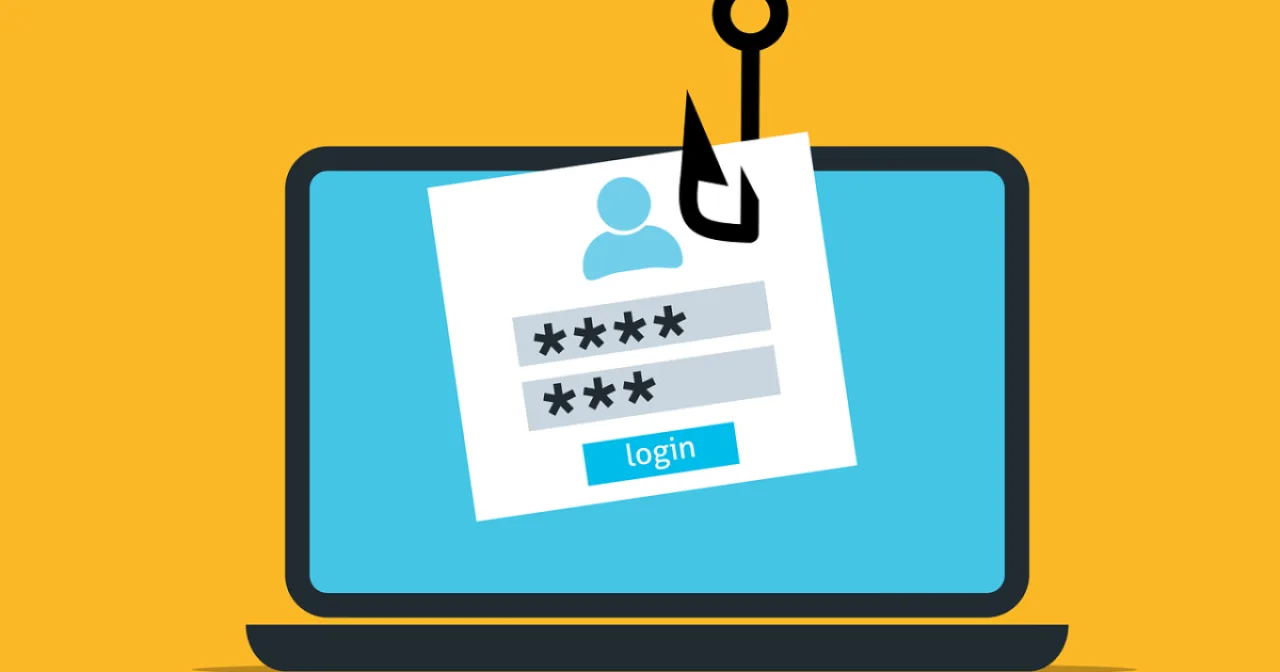
Phishing remains one of the most common ways attackers get into company networks. These warning signs help you spot the threat before it causes damage.
1. Why do cyber criminals target companies with phishing emails?
Cyber criminals are usually after internal company information or sensitive data. Because most companies have solid technical IT security measures in place, hackers try to get around them. They target employees directly with phishing emails and exploit the human factor instead. Using information gathered in advance, attackers craft phishing emails that are remarkably well disguised.
2. Spotting phishing emails: how employees protect their company
The risk of suffering serious damage from a phishing attack is currently very high. The volume of phishing emails has grown many times over in recent years, and above all the financial consequences of a cyber attack can be enormous for a company.
That is why cyber security awareness belongs in every IT security strategy.
When employees are well trained to recognize cyber attacks, they can identify phishing attempts in time and respond correctly.
Because cyber criminals work with ever greater precision, spotting a phishing email is unfortunately getting harder. But there are warning signs that give most phishing emails away.
Read more about how structured security awareness training helps you build this awareness across your entire organization.

3. These warning signs reveal a phishing email
Sometimes an email is obviously phishing. More and more often, however, you have to look closely to spot the potential threat. Keep the following three clues in mind. Each of them can be a sign of a phishing email:
Warning sign 1, the content: To put the recipient under pressure, phishing emails often threaten a consequence. This consequence supposedly follows if you do not comply with the request, for example by clicking the link, entering your data or downloading the attachment.
Warning sign 2, the link: A phishing email almost always contains a link along with a prompt to click it. A tip: hover your cursor over the link without clicking it, and the linked URL appears. Sometimes this URL alone is enough to tell you that you are looking at a phishing email.
Warning sign 3, the attachment: The attachment contains a file that is not saved as a PDF but as a Word or Excel document. If the file is not a PDF, malware can slip unnoticed onto the company PC, or even into the company network, when the file is downloaded and opened.
Summary
Unfortunately, there is no one-hundred-percent guarantee of recognizing a phishing email in time.
That makes it all the more important to know the signs that point to phishing. They allow you to identify a potential threat early enough to prevent damage. So stay alert whenever you receive an email containing a link or an attachment, especially when you are being pressured with unpleasant consequences into clicking the link, revealing data or downloading the attachment.
The most effective way to train this alertness is to practice it. With realistic phishing simulations, your employees learn to spot suspicious emails in their day-to-day work, before a real attack succeeds.
This is exactly what Protectly trains: book a free demo.